Catch the Candy
The sweet is the destination. Everything else is a handhold.
Look beyond the candy. Your character reaches out with a sticky, stretching limb, so the puzzle is often about choosing an attachment that moves you into a better position rather than aiming straight at the prize.
Source — Poki ↗External game page · opens in a new tab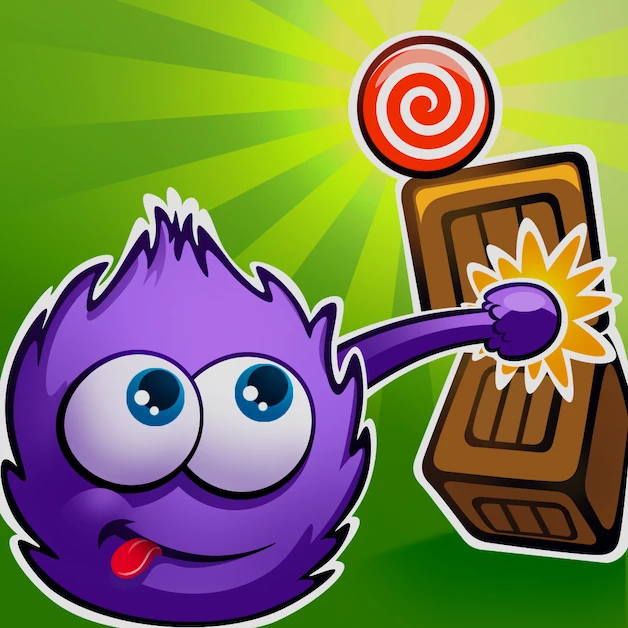
- Devices
- Computer only listed
- Controls
- Hold the left mouse button
- Rhythm
- Observe, attach, adjust
- Access
- Free browser entry; platform conditions apply
One small idea before the first attempt.
Choose one anchor to investigate. Watch how pulling changes the character’s position before switching targets, because several random grabs can leave you further away without teaching you which object was actually useful.
Original teaching illustrations, not gameplay screenshots.- 01Find an object you can reach
- 02Hold to attach and pull
- 03Check your new position
Solve the position, not just the distance
The nearest object is not always the answer. A handhold can be useful because of where it leaves your character afterwards, even when it does not seem to make the candy immediately closer on the screen.
Think one move beyond the grab. Before attaching, ask which obstacle you will be beside after the pull and whether the new position gives you a more promising route to the sweet than your current one.
Let the physics finish its sentence
A moving character is still giving you information. If you change your target before seeing what the last pull did, it becomes difficult to separate a bad attachment from a reasonable attachment you interrupted too soon.
Pause your decision, not necessarily the game. Watch the result of a deliberate action, then adjust your aim; this is a way to read the puzzle, not a promise that every level has the same timing or rhythm.
A returning classic with a specific browser edition
The version matters. Poki describes this as a remaster of a former Flash game, with 77 levels, so follow the linked HTML5 listing rather than downloading a legacy plugin to chase a different edition.
A computer is the clear starting point. The source lists desktop availability and a held mouse input; if you mainly browse on a phone, choose one of the games with explicitly listed mobile support instead of guessing.
Change one thing on the next attempt.
Always aiming directly at the sweet
↳ Check the surrounding objects for a position that makes the next reach possible.
Changing anchors constantly
↳ Give one pull time to show what it changes.
Opening an old Flash copy
↳ Use the linked HTML5 edition; this guide does not require a browser plugin.
Would we choose it for this kind of break?
Our pick when you want to reason with a picture. The sticky limb gives obstacles a second purpose as possible tools, although the desktop-only listing makes this a weaker recommendation for a phone-first break.
A good fit
For players who like experimenting with a small scene and changing one decision at a time.
The catch with this choice
Mouse-based edition. Repeated attempts are part of understanding how a particular arrangement behaves.
Details worth checking for this edition.
Do I need Flash?
The linked Poki page is the HTML5 remaster. Do not install a legacy plugin for this guide.
Is it a match-three game?
No. You move a character through a physics puzzle using a stretching sticky limb.
How many levels does the listing mention?
The listing says 77. That figure comes from Poki’s published description checked on 26 November 2026, and should not be read as a claim that our team personally completed every level.
Where this guide gets its facts
- Creator / publisher
- Yohoho Games
- Published source
- Poki — Catch the Candy ↗
- Source check
Our suggestions are editorial reasoning based on these mechanics. Published-source checks do not mean we completed every level or tested every device, and the diagrams above are our own explanatory artwork rather than captures from the game.
How we check and correct guides ↗
Merge Cakes
Same sweet-looking world, different job: merge matching desserts on a board instead of moving a character.