Airplane Flight Pilot Simulator
A runway, a throttle, and a reason to slow down.
The runway is only the beginning. This flight simulator puts takeoff, navigation and landing in the same trip, so the interesting part is learning to manage a machine rather than just keeping it airborne.
Source — CrazyGames ↗External game page · opens in a new tab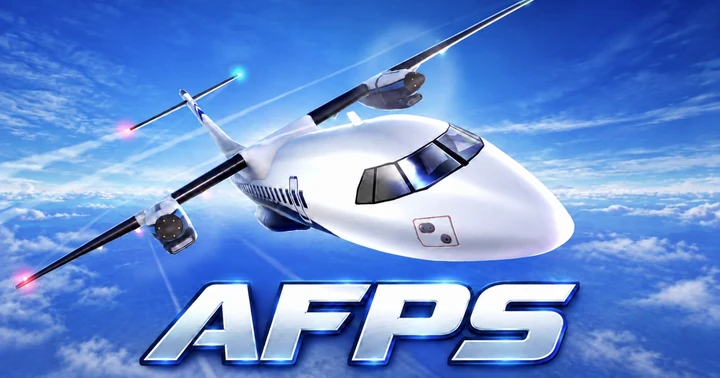
- Devices
- Computer, phone & tablet listed
- Controls
- Keyboard / on-screen controls
- Rhythm
- Continuous attention
- Access
- Free browser entry; platform conditions apply
One small idea before the first attempt.
Think in separate jobs. Get familiar with engine, throttle and direction before combining them, because changing all three at once makes it much harder to tell which input caused a wobble.
Original teaching illustrations, not gameplay screenshots.- 01Start the engine
- 02Build speed on the runway
- 03Steer with small corrections
Your first flight needs a small goal
Make the first route a modest one. For a practice session, aim for a steady departure, watch how the plane responds to a brief steering input, and give yourself room to prepare a return instead of chasing a dramatic flight path.
The aircraft starts you with a Cessna 182 and training around Port City, according to the platform listing; that gives you a concrete place to learn before treating every available mission as an immediate objective. Start there.
Speed and direction are different decisions
More throttle is not a steering fix. When the aircraft goes somewhere you did not intend, check the input you are making before adding power, because a faster mistake leaves less time to understand what happened.
Give each correction a moment to show itself. Our suggested exercise is to tap a steering key, release it and watch the change before correcting again, rather than treating this as a rule imposed by the game’s flight model.
Landing starts before the ground looks close
Leave yourself room. If you wait until the runway fills the screen to think about alignment, speed and the landing gear, you turn several separate jobs into one rushed moment with very little margin.
Read the current mission instructions first. The platform lists a brake and a landing-gear control, but that does not tell us the safe speed for every aircraft, so this guide does not invent a universal landing number.
Change one thing on the next attempt.
Holding a direction through every wobble
↳ Release, observe, then make a smaller correction; do not chase every movement with a longer input.
Opening a flight on a tiny screen
↳ Check that you can distinguish throttle from steering before committing to a mission.
Treating landing as an afterthought
↳ Pick a simple return route and learn the relevant controls before you need them.
Would we choose it for this kind of break?
Choose it when learning controls sounds fun. Of these six games, it offers the clearest shift from a small input to a large change in position, but it asks for more uninterrupted attention than a matching board.
A good fit
For someone who wants a short lesson in handling an aircraft, with missions to return to.
The catch with this choice
A busy control scheme. Device support is listed by CrazyGames; actual performance still depends on your browser and hardware.
Details worth checking for this edition.
Do I need a joystick?
A joystick is not listed as a requirement. The published instructions use a keyboard on a computer and on-screen controls on mobile, so those are the inputs to check before arranging a more elaborate setup.
Does this teach real aviation?
No. Treat it as a game, not flight instruction or evidence that you can operate a real aircraft.
Why not give a takeoff speed?
The listing does not establish one verified number for all aircraft. Follow the in-game training and current mission information.
Where this guide gets its facts
- Creator / publisher
- Myke38
- Published source
- CrazyGames — Airplane Flight Pilot Simulator ↗
- Source check
Our suggestions are editorial reasoning based on these mechanics. Published-source checks do not mean we completed every level or tested every device, and the diagrams above are our own explanatory artwork rather than captures from the game.
How we check and correct guides ↗
Chicken Sword: Ninja Master
Prefer movement without the cockpit? The chicken platformer turns positioning into shorter obstacle decisions.